
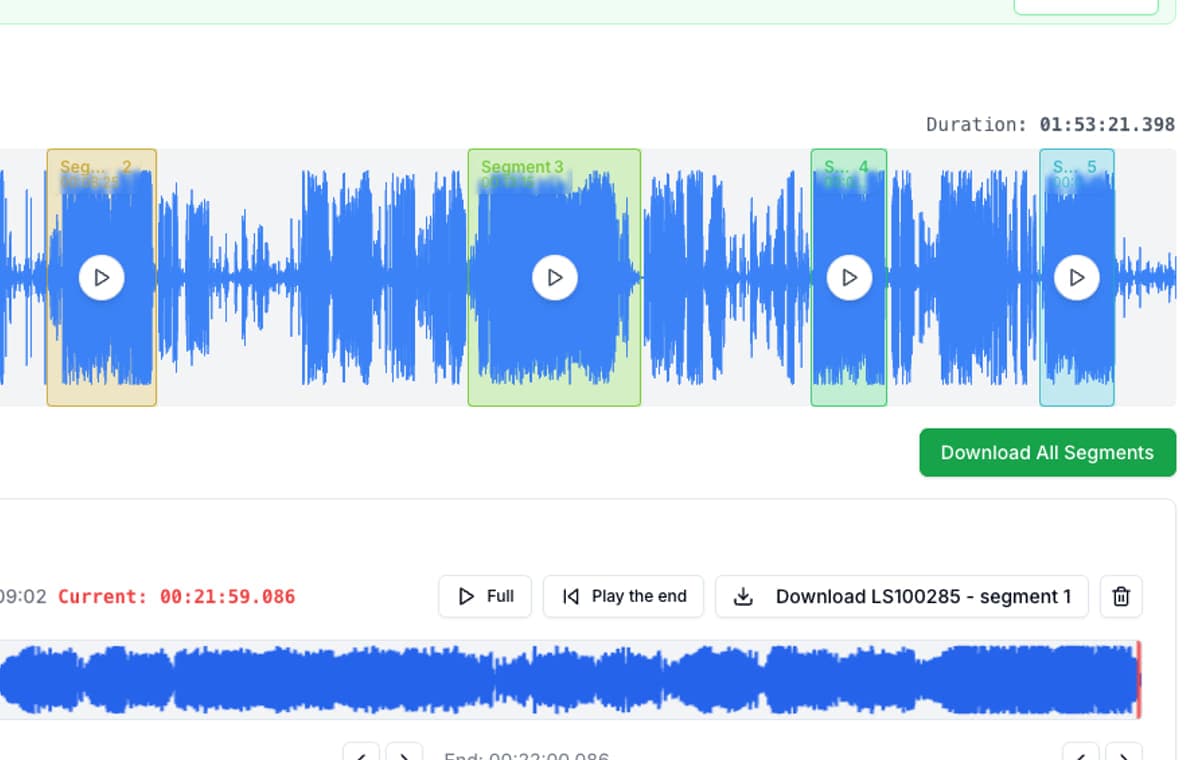
VEED’s audio cutter sits inside a much bigger online editing platform. That makes sense if your audio lives inside a wider content workflow with subtitles, visuals, video templates, and export polish.
If the job is purely audio, that same breadth can become extra weight. AudioMultiCut is narrower on purpose: it is built to split one recording into several clips as directly as possible, with the user experience treated as the main product feature.
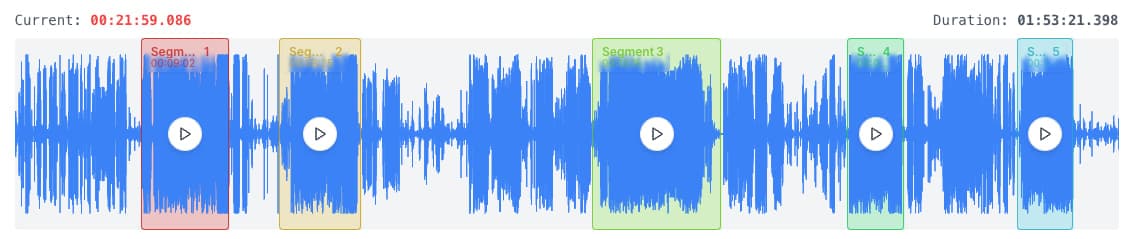
AudioMultiCut vs VEED
| Metric | AudioMultiCut | VEED |
|---|---|---|
| Best use | Audio-only splitting and repeated clip export | Audio inside a broader online video workflow |
| Workflow focus | One long file, many finished clips | Project-based editor with many media features |
| Free-plan friction | No watermark-focused clipping flow | VEED states free exports include a watermark |
| Trim speed | Fast for repeated segment work | Good for general editing, slower if you only need many audio cuts |
| Mobile story | Useful for on-phone trimming and exporting | Online editor that works anywhere, but still feels like a full suite |
Choose VEED when the audio is part of a bigger content workflow
VEED is the better choice if the audio is not really the whole job. If you are packaging clips into social video, adding subtitles, or working inside a broader creator stack, VEED’s wider feature set is the point.
Choose AudioMultiCut when the recording itself is the project
AudioMultiCut is the better option when the work begins and ends with a recording: songs from a rehearsal, topics from a lecture, or clips from a spoken session. The faster path matters more than access to a large editing suite.
That is especially true when you need to keep nudging clip edges. Instant boundary preview lets you hear new starts and endings without replaying the whole clip each time. In practice it feels like the casual-gaming version of audio cutting: you get in, do the useful work quickly, and get out without fighting the tool.
Bottom line
VEED is stronger as an online content suite. AudioMultiCut is stronger as a focused audio splitter. If you do not need the larger suite, the simpler tool is usually the better tool.
FAQ
When should I use VEED instead?
Use VEED when your audio is part of a broader video workflow with captions, visuals, or creator-pipeline steps that matter more than clipping speed.
Why is AudioMultiCut stronger for audio-only jobs?
Because it removes the project-suite overhead. The interface stays focused on the waveform, the clips, and the export instead of on a larger editing environment.
Is the difference mainly features or experience?
Mostly experience. VEED can cut audio, but AudioMultiCut is built to make the clipping workflow feel lighter, faster, and less frustrating.
Sources
Official product pages checked on April 4, 2026.
Compare more audio cutters
Better when you want clipping, not creator-suite complexity
Kapwing Audio Cutter Alternative for Long Recording Splits
Kapwing is useful when audio editing is part of a wider media workflow. AudioMultiCut is usually faster when the task is turning one recording into many clips.
Compare audio cutters by real jobs, speed, and frustration level
Best Audio Cutter Alternatives for Splitting Long Recordings
The best audio cutter depends on the job. This guide compares AudioMultiCut with the biggest alternatives through 10 common real-world use cases, including how each one handles the work and how long it typically takes.
Compare audio cutters by friction, learning curve, and time to useful result
Audio Cutter Comparison Table: Features, Privacy, Ads, and Speed
A practical comparison of AudioMultiCut, Audacity, VEED, Kapwing, Clideo, and random free cutters based on the things that actually affect your workflow.
Skip the suite overhead for audio-only jobs
If the work starts and ends with a recording, upload it and use the lighter workflow that stays centered on clips.