
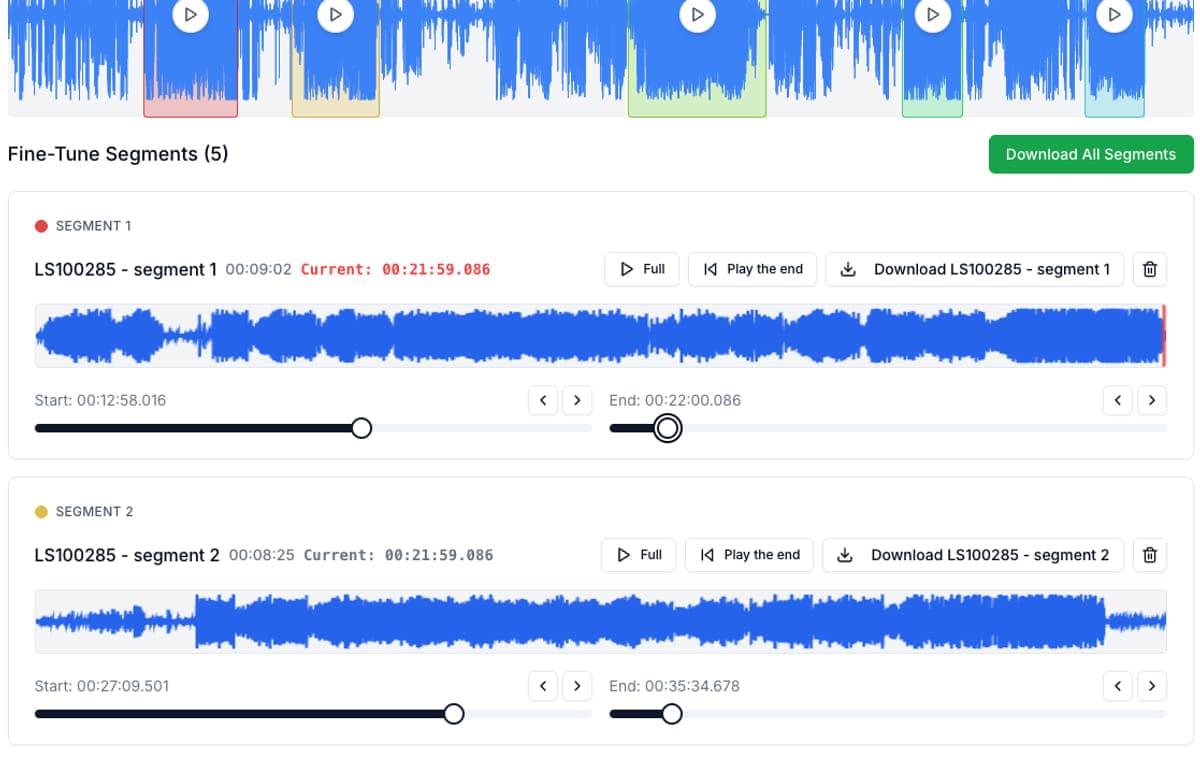
Most comparison pages overvalue raw feature counts. In real use, the better tool is the one that gets you from recording to finished clips with the least friction.
That means comparing audio cutters by job fit, privacy model, mobile usability, repeated clipping speed, and how quickly the interface gets out of your way. Audio cutting is possible in lots of places. The real question is which tool makes it feel not frustrating.
At-a-glance comparison
| Tool | Best for | Main weakness |
|---|---|---|
| AudioMultiCut | Splitting one recording into many clips quickly | Not trying to replace a full DAW |
| Audacity | Deep desktop editing and advanced cleanup | Slower setup for quick clipping jobs |
| VEED | Audio work inside a larger online video workflow | More editor than you need for audio-only jobs |
| Kapwing | Online creator workflows that mix audio and video | Free plan friction and broader interface |
| Clideo | One-off trims and simple format changes | Less efficient for many segments from one file |
| Random free cutters | A single simple trim | Often repetitive, ad-heavy, or one-export-at-a-time |
What matters most in practice
| Metric | Best pick | Why |
|---|---|---|
| Many clips from one source file | AudioMultiCut | The whole workflow is organized around segment lists and repeated exports |
| Deep editing and restoration | Audacity | You get a full editor instead of a focused splitter |
| Audio inside video production | VEED or Kapwing | Broader online suites make sense when audio is not the only asset |
| One quick trim | AudioMultiCut | The trim UI is faster to control and easier to refine without extra overhead |
| Phone-first clipping | AudioMultiCut | The workflow stays focused even on a smaller screen |
| Private recordings | AudioMultiCut or Audacity | They are the clearest fits when you want the job centered on the recording itself |
Why AudioMultiCut wins the multi-segment use case
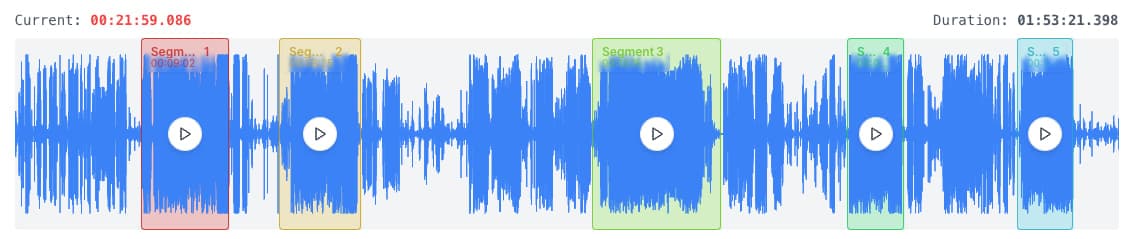
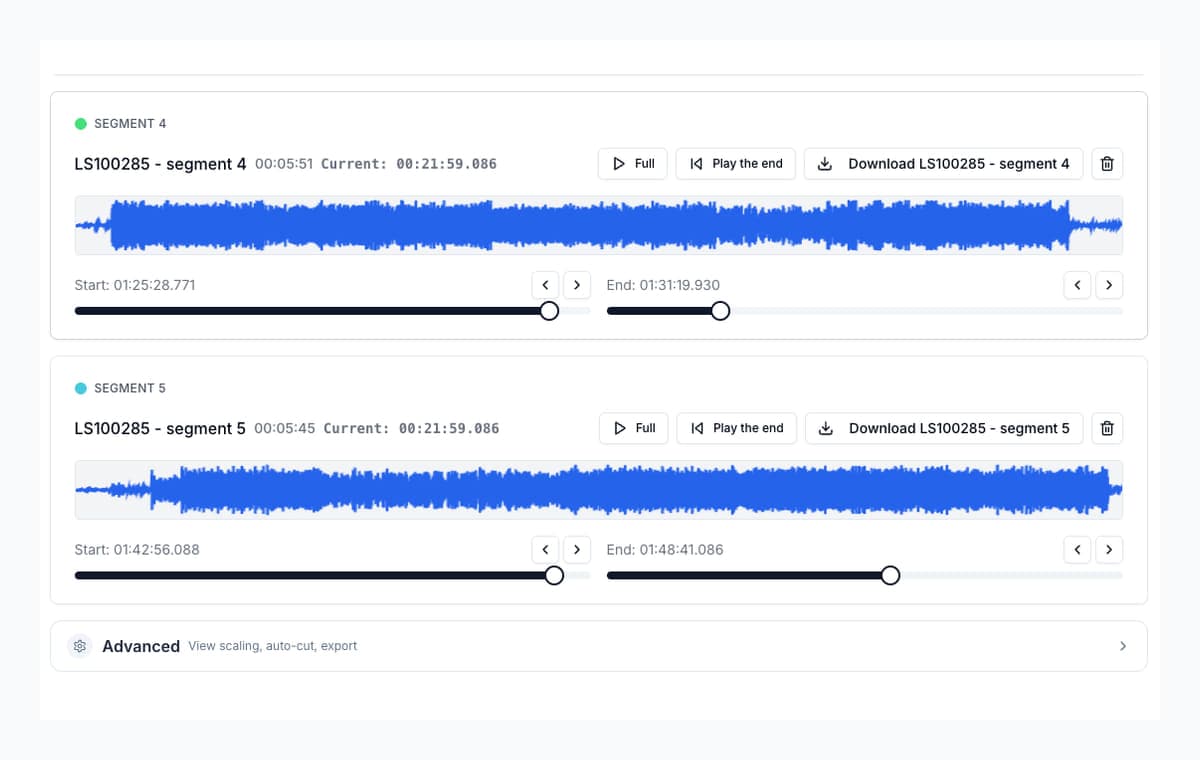
Most people comparing audio cutters are not really doing “editing” in the broad sense. They are trying to turn one long recording into several useful pieces. AudioMultiCut is the strongest option for that exact job because it removes repeated setup and keeps the workflow centered on clip creation.
In that sense it feels like the casual-gaming version of audio cutting tools: focused, responsive, and easy to pick up, without the overhead of a giant feature stack when you do not need one.
Why the other tools still matter
Audacity remains the strongest free desktop editor. VEED and Kapwing remain strong when audio is only part of a wider creator workflow. Clideo remains a usable browser trimmer. The mistake is expecting one tool to be best at all of those jobs at once.
Bottom line
If you are splitting a long recording into many finished clips, start with AudioMultiCut. If you need deeper editing, use Audacity. If the recording is part of video production, use VEED or Kapwing. If the task is one small trim, AudioMultiCut is still one of the best places to start because the trimming experience is so direct.
FAQ
What is the best audio cutter overall?
There is no universal winner. AudioMultiCut is strongest for splitting and refining clips quickly, Audacity is strongest for deep editing, and VEED or Kapwing make more sense when audio is part of video production.
Why does this comparison emphasize experience so much?
Because clipping is technically possible in many tools. The meaningful difference is how long it takes to get useful output and how frustrating the workflow feels while you do it.
Is AudioMultiCut still worth trying for one quick trim?
Yes. The trimming flow is direct enough that it is often the easiest place to start even for a single cut, especially if you care about precise edge cleanup.
Sources
Official product pages checked on April 4, 2026.
Compare more audio cutters
Compare audio cutters by real jobs, speed, and frustration level
Best Audio Cutter Alternatives for Splitting Long Recordings
The best audio cutter depends on the job. This guide compares AudioMultiCut with the biggest alternatives through 10 common real-world use cases, including how each one handles the work and how long it typically takes.
Better for fast splitting jobs, not for full studio-style editing
A Faster Audacity Alternative for Splitting Audio Recordings
Audacity is still excellent for full desktop audio editing. If the job is simply splitting one long recording into multiple finished clips, AudioMultiCut is usually the faster option.
The best tool by device is really the one that keeps the workflow easy
Best Online Audio Cutter for Mobile and Desktop
The best online audio cutter is not the same for every device. This guide focuses on what actually works when you edit on a phone, a laptop, or both.
Try the workflow that wins on speed and feel
Upload a recording, trim a few boundaries, and compare how quickly you get to something usable without a learning curve.