
Clideo is one of the cleaner browser-based options for quick trimming. Its own help flow focuses on choosing a snippet to extract or delete, then exporting the result. That is fine when the task is one cut and one output.
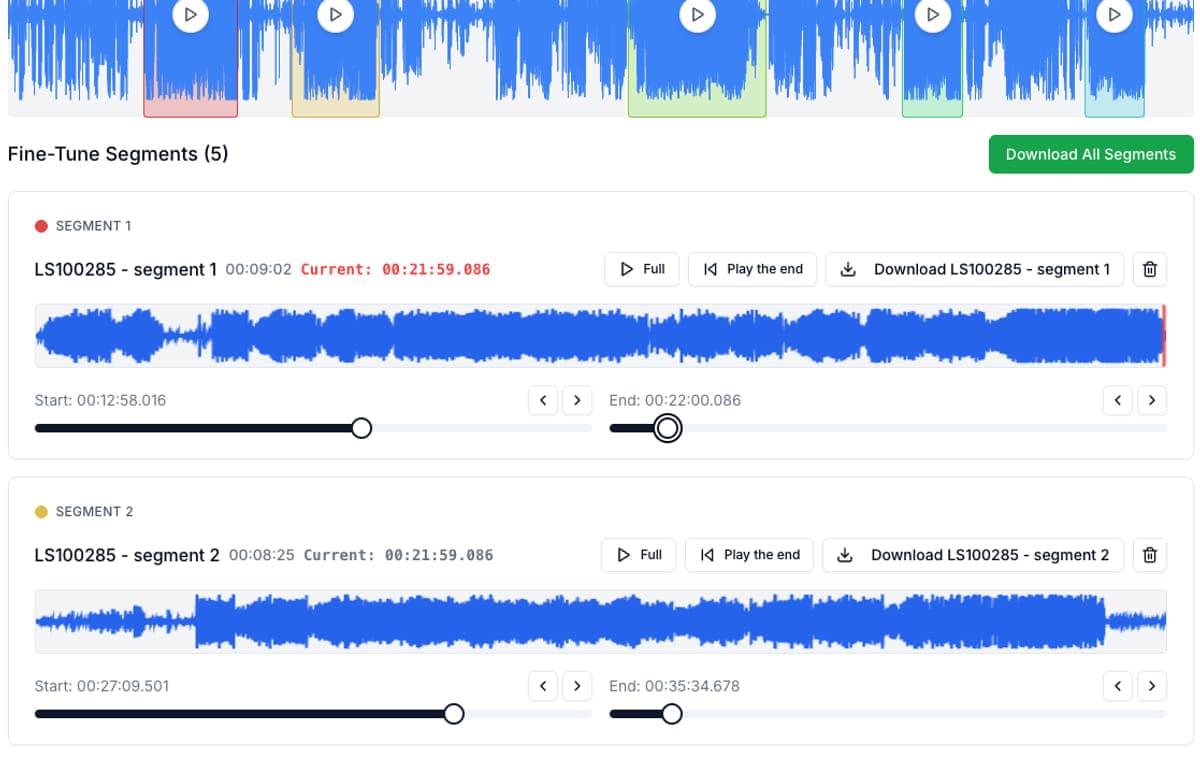
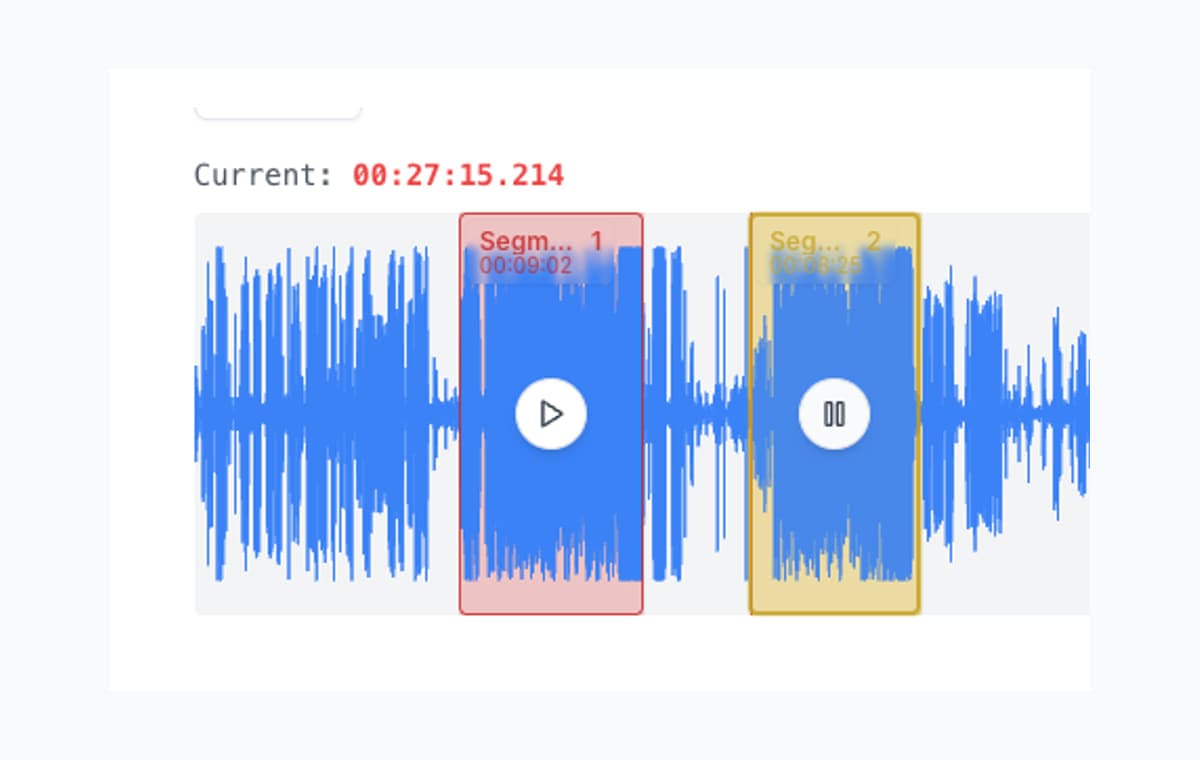
The workflow starts to slow down when the recording itself contains many keepers. That is where AudioMultiCut pulls ahead because it treats the whole recording as a source file for multiple segments, not just one extract at a time. The whole point is a better experience, not just technical capability.
AudioMultiCut vs Clideo
| Metric | AudioMultiCut | Clideo |
|---|---|---|
| Best use | Long recordings with many final clips | Quick one-off trims and simple format changes |
| Workflow model | Create and manage a list of segments in one session | Trim by extracting or deleting a selected snippet |
| Fine trimming | Instant edge preview on segment cards | Straightforward trim UI, but not built around many segments in one pass |
| Mobile use | Strong fit for touch editing and repeated clipping | Works in browser, but the core flow is still one trim at a time |
| Pricing signal | Free workflow aimed at direct use | Clideo advertises Pro at $9 monthly or $6 monthly billed annually |
Clideo also states that continuing the edit in another Clideo tool requires Pro, which matters if you expect a multi-step online editing workflow.
When Clideo is a good choice
Clideo is perfectly reasonable if the job is simple: cut one intro, remove one dead section, or convert the output format while you trim. It is accessible, browser-based, and easy to understand.
When AudioMultiCut is the better choice
AudioMultiCut is better when the recording is long and the number of clips matters more than the complexity of each individual trim. That includes rehearsals with several songs, lectures with chapter breaks, and podcast recordings with multiple highlight moments.
Instead of repeating the extract flow again and again, you keep every segment in one view, refine them in place, and export when the set is ready. That is the difference between a tool that merely can cut audio and a tool that feels good to use for twenty straight minutes.
Bottom line
Clideo is fine when you need a fast single trim. AudioMultiCut is usually the better experience when you want cleaner edge control, less friction, or more than one finished clip.
FAQ
Is Clideo still good for a small one-off trim?
Yes. Clideo is fine when the job is simple. AudioMultiCut becomes the better choice once you care more about trimming feel, repeated boundary edits, or getting several exports from one source file.
Why is AudioMultiCut usually better for long recordings?
Because the whole recording stays in one segment list. You do not keep repeating a one-cut extract flow for every clip you want to keep.
What is the main practical difference?
Less repetition. AudioMultiCut is organized around making, refining, and exporting several clips in one session without the workflow getting annoying.
Sources
Official product pages checked on April 4, 2026.
Compare more audio cutters
Better when the job stops being disposable and starts needing a real workflow
Random Free Audio Cutters vs AudioMultiCut
Random free audio cutters are still useful when you only need one quick cut. AudioMultiCut is better when the recording needs real structure and more than one finished clip.
Compare audio cutters by real jobs, speed, and frustration level
Best Audio Cutter Alternatives for Splitting Long Recordings
The best audio cutter depends on the job. This guide compares AudioMultiCut with the biggest alternatives through 10 common real-world use cases, including how each one handles the work and how long it typically takes.
Compare audio cutters by friction, learning curve, and time to useful result
Audio Cutter Comparison Table: Features, Privacy, Ads, and Speed
A practical comparison of AudioMultiCut, Audacity, VEED, Kapwing, Clideo, and random free cutters based on the things that actually affect your workflow.
Try the lower-friction trimming workflow
Upload one long recording, make several clips in one pass, and hear how much easier edge cleanup feels.