
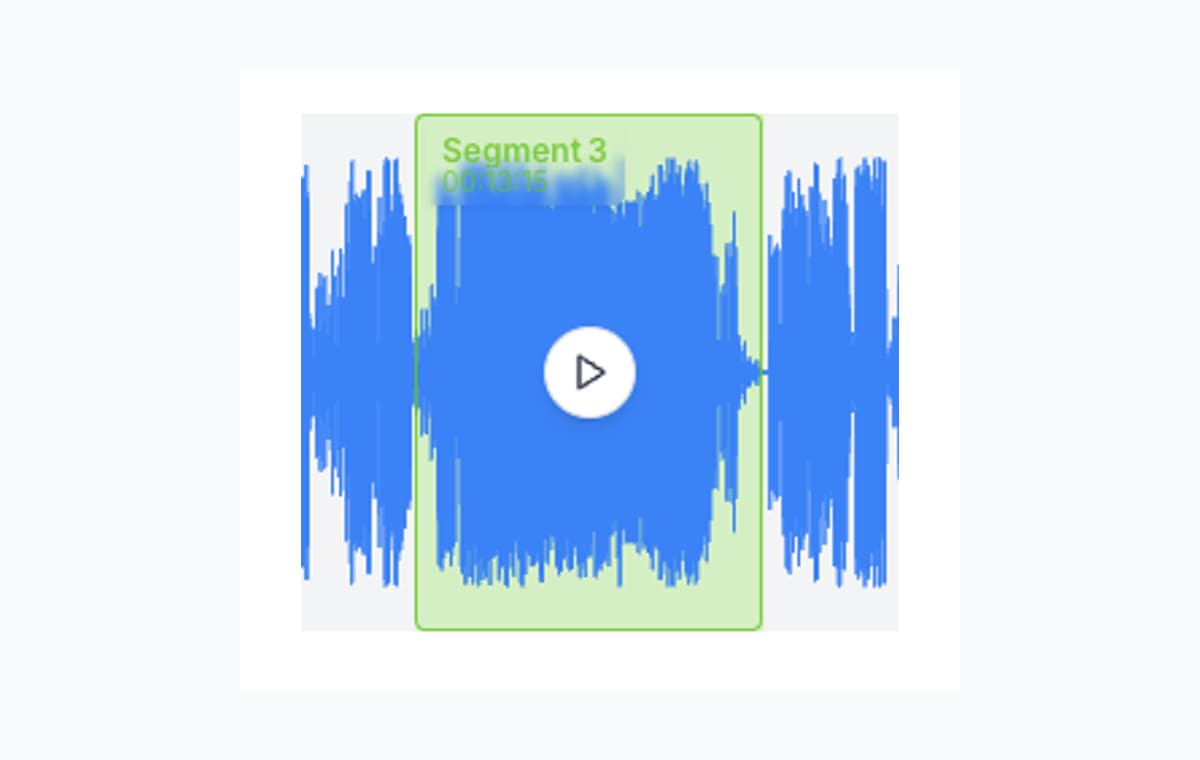
There is nothing wrong with a random free audio cutter if the task is tiny. If all you need is one clipped ringtone, one trimmed intro, or one shortened memo, a simple one-cut tool can be enough.
The trouble starts when you keep repeating that workflow on the same file. One export becomes five. One upload becomes repeated trial and error. That is the point where AudioMultiCut becomes the better tool because the experience stays clean and low-friction even when the session gets longer.
When a simple free cutter can still be enough
| Need | Best fit | Why |
|---|---|---|
| One quick trim | AudioMultiCut | The trim workflow is cleaner, faster to refine, and less annoying |
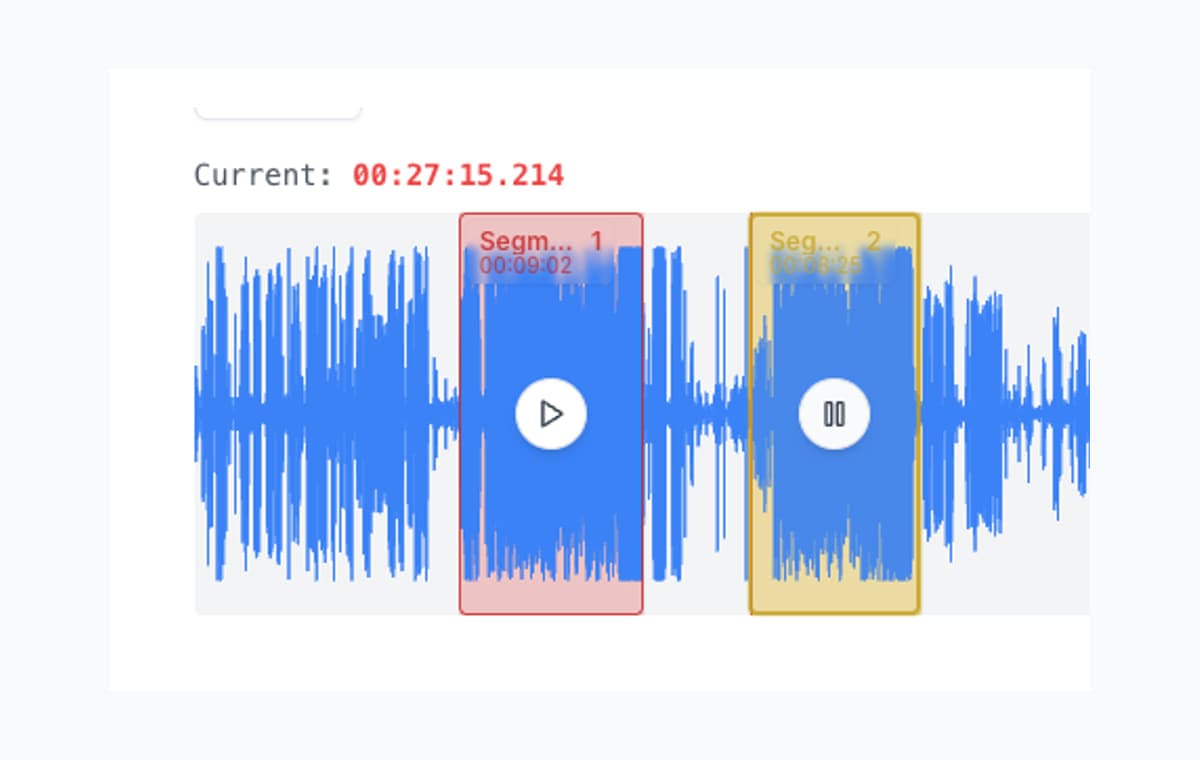
| Many clips from one recording | AudioMultiCut | Built around multiple segments in one session |
| Precise edge cleanup | AudioMultiCut | Boundary preview removes guesswork |
| Ad-free focus | AudioMultiCut or Audacity | Many free cutters turn simple jobs into repeated clicks and distractions |
Why one-cut tools still matter
Simple free cutters are great if you just need to trim one file once. They are lightweight, disposable, and sometimes that is exactly what you want.
Why they break down on long recordings
They usually assume one selection becomes one export. That is fine for a single result, but not for a rehearsal with eight songs or a lecture with six chapters. Repeated one-cut workflows create their own friction very quickly.
Bottom line
Use a random free cutter only when the job is tiny and you truly do not care about the experience. Use AudioMultiCut when you want the cleaner workflow, the easier trim refinement, or more than one finished clip.
FAQ
Are random free cutters still useful?
Yes, for throwaway jobs. If you truly need one quick cut and do not care much about polish or experience, a simple free cutter can be enough.
Why would I use AudioMultiCut instead of a random free cutter?
Because the workflow is cleaner. Trimming feels better, edge cleanup is faster, and the session does not fall apart once you need more than one finished clip.
What is the real difference in practice?
Less friction. AudioMultiCut is built for actual use, not just for barely getting one trim out the door.
Compare more audio cutters
Better when clipping should stay smooth instead of turning repetitive
Clideo Audio Cutter Alternative for Multi-Segment Workflows
Clideo is a solid browser tool for a quick trim or format change. AudioMultiCut is usually better when one long file needs several finished clips.
Compare audio cutters by real jobs, speed, and frustration level
Best Audio Cutter Alternatives for Splitting Long Recordings
The best audio cutter depends on the job. This guide compares AudioMultiCut with the biggest alternatives through 10 common real-world use cases, including how each one handles the work and how long it typically takes.
Trust is part of the workflow when recordings are private or sensitive
Audio Cutter Privacy and Ads Comparison
A practical look at which audio cutters feel focused, which feel cluttered, and which workflows make the most sense for private recordings.
Use a cleaner workflow than the usual free cutter loop
Upload the recording once, trim it properly, and keep going without repeating the same upload-export pattern over and over.