
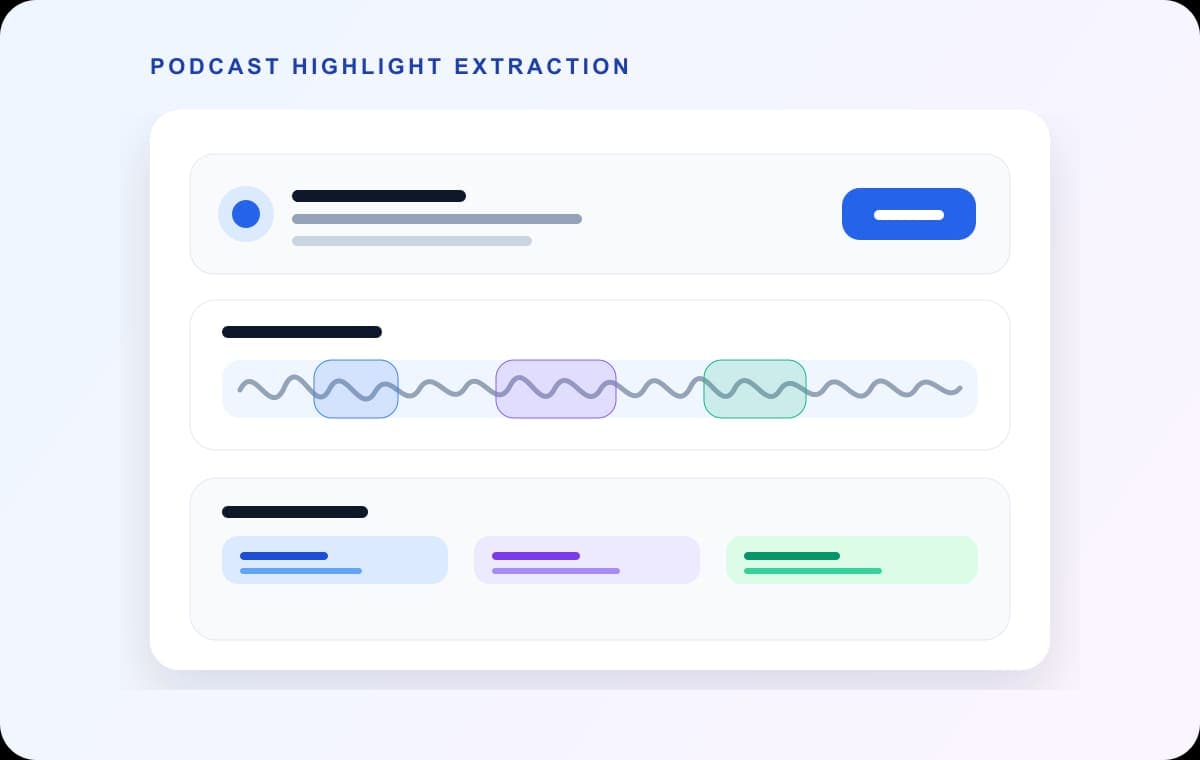
A long podcast recording usually contains several moments worth reusing: a sharp quote, a clean explanation, a teaser, a punchline, a useful answer. The problem is not finding just one of them. The problem is getting several of them out quickly without turning the task into a full production session.
AudioMultiCut is a strong first step here because it makes repeated clip extraction feel lightweight instead of heavy. The user experience is the differentiator: fast, direct, and much less frustrating than forcing every clip through a bigger editor first.
Find the moments worth isolating
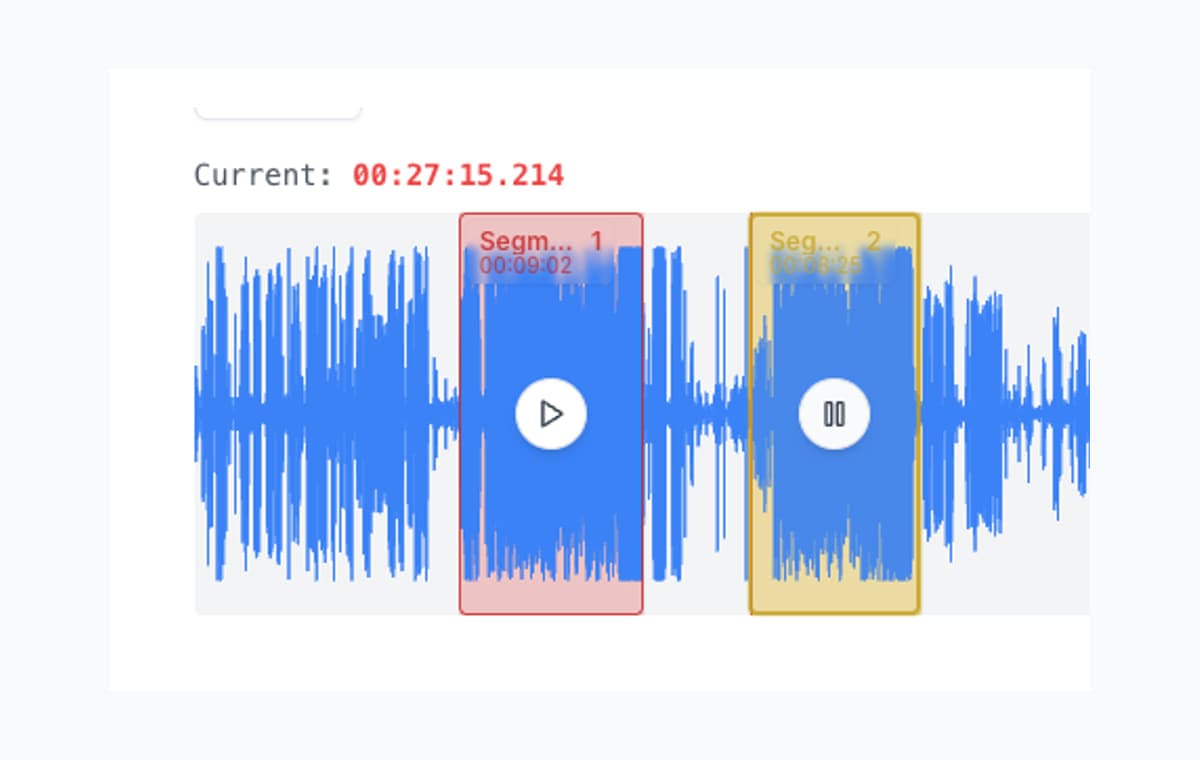
Listen through the recording and create segments around the moments that stand on their own. Do not overthink polish at first. Just get the useful moments into the segment list so you can compare them side by side.
Clean up beginnings and endings fast
Podcast clips live or die at the edges. If the opening word is clipped or the ending trails off awkwardly, the clip feels unfinished. Instant boundary preview makes this part faster because every trim tells you immediately whether the opening and ending still work.
Export for the next step
If the goal is review or fast sharing, export MP3. If the clip is heading into a bigger video or sound design workflow afterward, export WAV. The main win is that the strong moments are already separated and named before the bigger workflow begins.
FAQ
Should I edit podcast highlights here before moving to a video tool?
Yes, that is a strong use case. Pull the moments, clean the boundaries, and then move only the good clips into the bigger workflow if needed.
Why is AudioMultiCut a good first step for podcast clips?
Because it lets you isolate several usable moments quickly without opening a broader editor before you know which clips are worth keeping.
More recording workflows
Compare audio cutters by real jobs, speed, and frustration level
Best Audio Cutter Alternatives for Splitting Long Recordings
The best audio cutter depends on the job. This guide compares AudioMultiCut with the biggest alternatives through 10 common real-world use cases, including how each one handles the work and how long it typically takes.
Better when you want clipping, not creator-suite complexity
Kapwing Audio Cutter Alternative for Long Recording Splits
Kapwing is useful when audio editing is part of a wider media workflow. AudioMultiCut is usually faster when the task is turning one recording into many clips.
Chapter a lecture on your phone without turning it into a desktop project
How to Split Lecture Recordings Into Chapters on Your Phone
A phone-first workflow for turning one long lecture into topic-based chapters that are easier to review, study, and share.
Pull the good moments out of the recording fast
Upload the interview or episode, isolate the useful moments, and export clean clips before opening a larger production tool.