
Private lesson recordings are full of useful material, but they are hard to reuse when everything lives inside one long file. A student usually does not need the whole lesson every time. They need the exercise, the example, or the assignment.
AudioMultiCut works well because it turns one lesson into smaller practice clips without making the process feel like a full editing session. The whole point is to keep the experience lightweight enough that you will actually do it after the lesson.
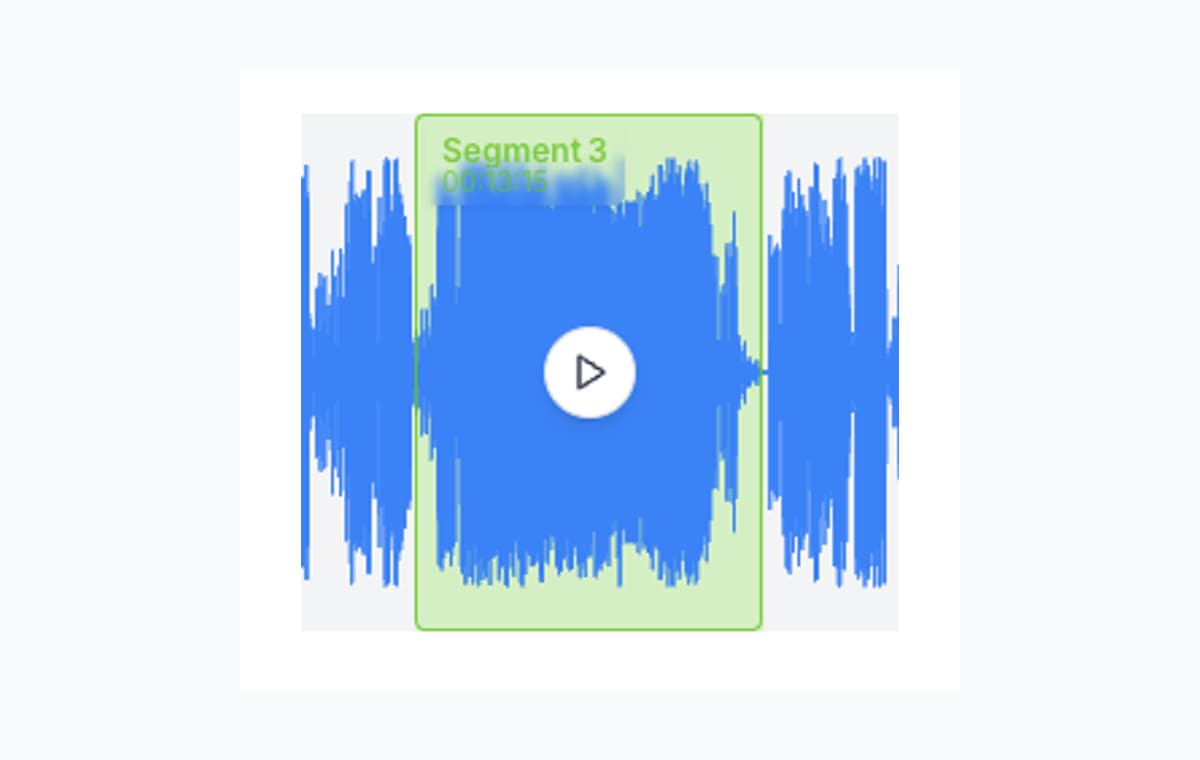
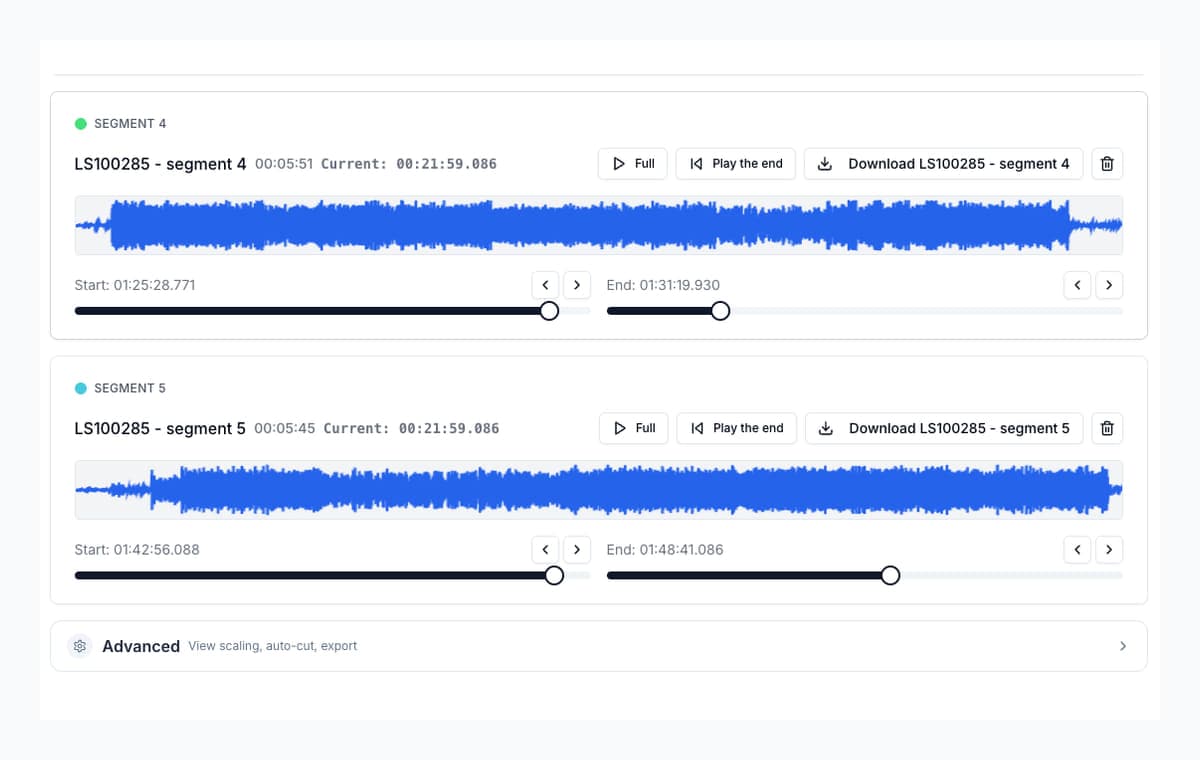
Think in exercises, not in timelines
As you listen through the lesson, create a segment whenever the teacher introduces a new exercise, a new phrase, or a separate assignment. That structure is more useful than a single long recording because it matches the way people actually practice.
Keep the spoken cue, cut the dead air
The start of a practice clip often needs a spoken lead-in. The end often needs the final instruction, but not the silence afterward. Boundary preview makes this much easier because you can keep the useful cue while trimming away the rest.
Name clips like assignments
A clip called “Exercise 3: minor thirds” is much more valuable than a clip called “segment 4.” Rename the clips before export so the student or teacher can come back to them weeks later and still know what matters.
FAQ
What makes a good lesson clip?
A useful spoken cue at the beginning, the exercise or example itself, and a clean ending without extra silence or unrelated discussion.
Why not keep the whole lesson as one file?
Because practice usually happens in small loops. Short, well-named clips are much easier to revisit than one long lesson recording.
More recording workflows
Turn one rehearsal file into useful song files without the usual cleanup pain
How to Split Band Rehearsal Recordings Into Individual Songs
A practical workflow for taking one long rehearsal recording and turning it into clean song files your band can actually review and share.
Compare audio cutters by real jobs, speed, and frustration level
Best Audio Cutter Alternatives for Splitting Long Recordings
The best audio cutter depends on the job. This guide compares AudioMultiCut with the biggest alternatives through 10 common real-world use cases, including how each one handles the work and how long it typically takes.
Pull several strong moments from one recording before the heavier workflow starts
Turn One Podcast Recording Into Multiple Highlight Clips
A simple workflow for pulling multiple usable highlights from one podcast or interview recording without opening a heavier editor first.
Turn the lesson into practice clips now, not later
Upload the recording once, cut it by exercise or assignment, and keep the useful instruction without the dead air.