
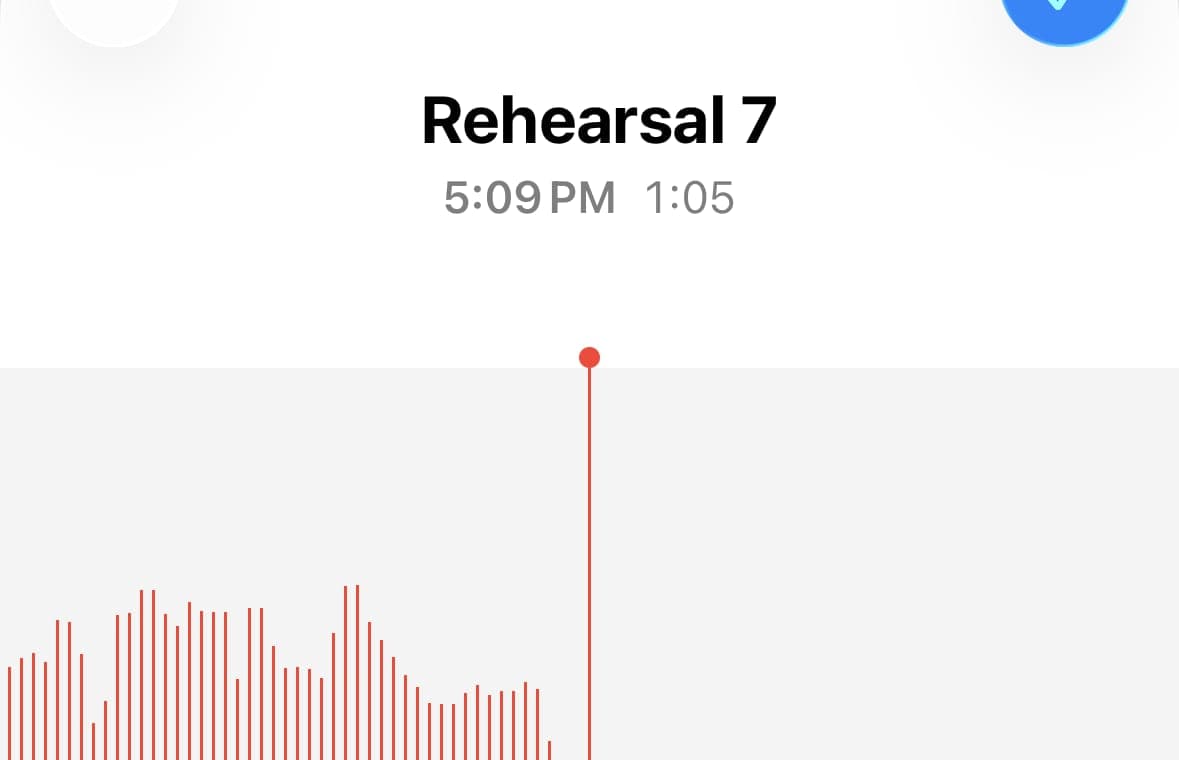
An iPhone Voice Memo is usually an `.m4a` file, not an MP3. That matters because `.m4a` names the container, while MP3 is a different codec and file format with a different export path.
MP3 export is also not a wrapper change. The editor has to decode the source to PCM, cut the selected range, and encode a new MP3 stream. On a long memo or a batch of clips, that work is visible.
M4A, MP3, and WAV are not the same kind of thing
| Format | What it really is | Typical size | Strength | Main weakness |
|---|---|---|---|---|
| M4A | An MPEG-4 audio container. In Apple workflows it commonly holds AAC, and in some lossless workflows it can also hold Apple Lossless. | Small to medium | Compact and native to Apple workflows | The extension does not tell you the exact codec by itself |
| MP3 | A lossy codec and file format from MPEG-1 Audio Layer III. | Small | Plays almost everywhere | Every transcode is a fresh lossy encode |
| WAV | Usually linear PCM stored in a simple container. | Large | Straightforward editing handoff | File sizes grow fast |
`m4a` is the file wrapper you see in Finder or Files. AAC, ALAC, and PCM describe the audio coding inside. Those are related, but they are not interchangeable terms.
What actually happens when a Voice Memo becomes an MP3 download
| Step | What the app does | Why it costs time |
|---|---|---|
| Read the source file | Load the M4A, its timing, and the audio data into the browser. | Long rehearsals, meetings, and lectures are simply large inputs. |
| Decode to PCM | Turn the compressed audio into raw samples so the waveform and cut points are accurate. | Compressed audio must be unpacked before precise editing. |
| Apply segment boundaries | Copy only the sample ranges you kept for each output clip. | Every clip becomes its own export job. |
| Encode MP3 | Run the samples through an MP3 encoder frame by frame. | This is CPU work, not a file rename or byte-for-byte copy. |
| Package the download | Build the final blob and hand it to the browser for saving or sharing. | Cheap compared with encoding, but still part of the export path. |
What an iPhone Voice Memo file really is
When Voice Memos exports a recording to Files, Apple writes it as `.m4a`. That tells you the container format. It does not, by itself, tell you every detail about the codec inside.
In the Voice Memos workflow, the practical expectation is a compact MPEG-4 audio file rather than raw PCM. That is one reason an iPhone recording is easy to store, sync, and share even before you edit it.
Apple also documents that recording mode affects what ends up in the file. On supported iPhones, Voice Memos can record Spatial Audio with the built-in microphones. Earlier iPhones are mono unless stereo recording is enabled. When you export a Voice Memo as `.m4a`, layered recordings are flattened and Spatial Audio is exported as stereo.
What microphone does the iPhone actually use?
At the hardware level, iPhone uses a small MEMS condenser microphone array, not one single "iPhone mic." Apple documents built-in microphones, plural, and Voice Memos can also switch to a headset mic or an external microphone when one is connected.
Apple does not publish the exact microphone part number in consumer documentation. What it does publish, and what its older developer documentation spells out more explicitly, is routing. Supported iPhones may expose bottom, front, and back built-in microphone data sources, and the active app or recording mode can favor one path over another. That matches how the phone behaves in practice: Voice Memos, phone calls, and video capture do not necessarily use the same microphone configuration.
- The built-in hardware is a MEMS condenser mic array.
- Voice Memos can use the built-in array, a headset mic, or an external mic.
- Supported iPhones can record Voice Memos in Spatial Audio with multiple built-in microphones.
- Routing and DSP matter as much as the physical microphone openings.
Why converting to MP3 takes time
MP3 export takes time because it is a transcode. The source audio has to be decoded to PCM before an editor can place sample-accurate cut points. After that, the selected audio has to be encoded again as MP3.
There is no direct byte-for-byte path from AAC-in-M4A to MP3. The browser cannot swap the extension or rewrap the existing compressed data. It has to generate a new MP3 bitstream from decoded samples.
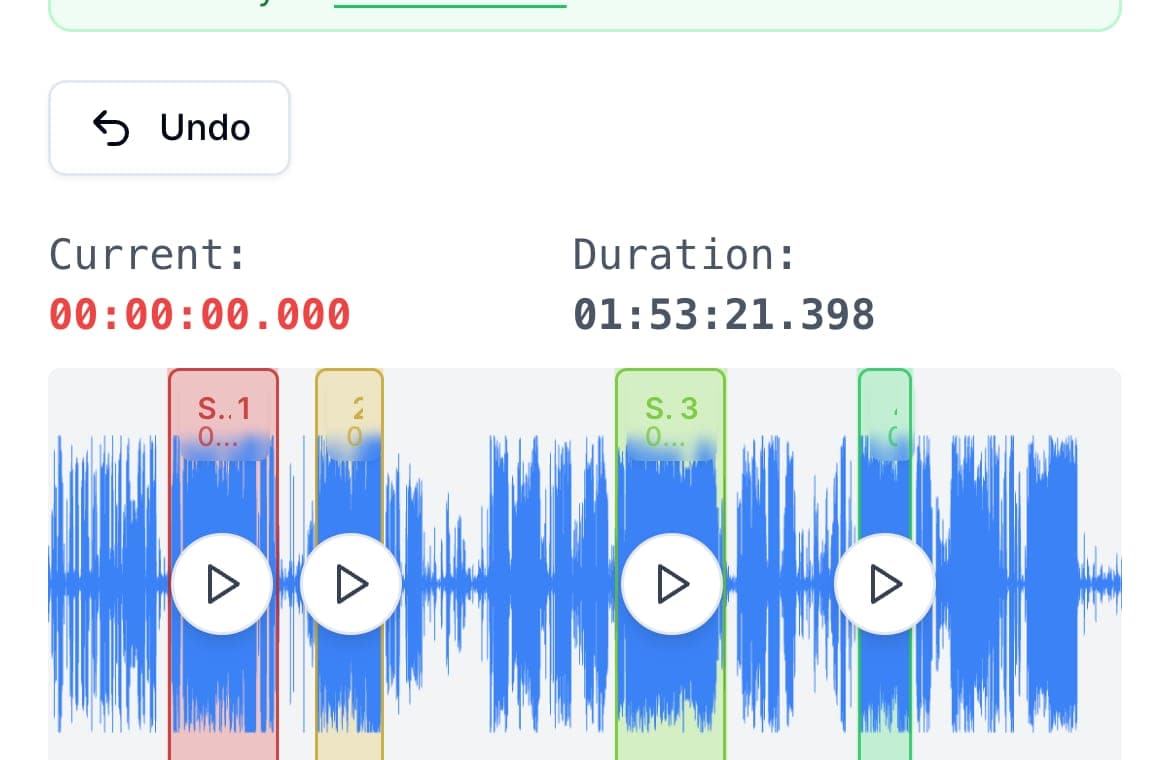
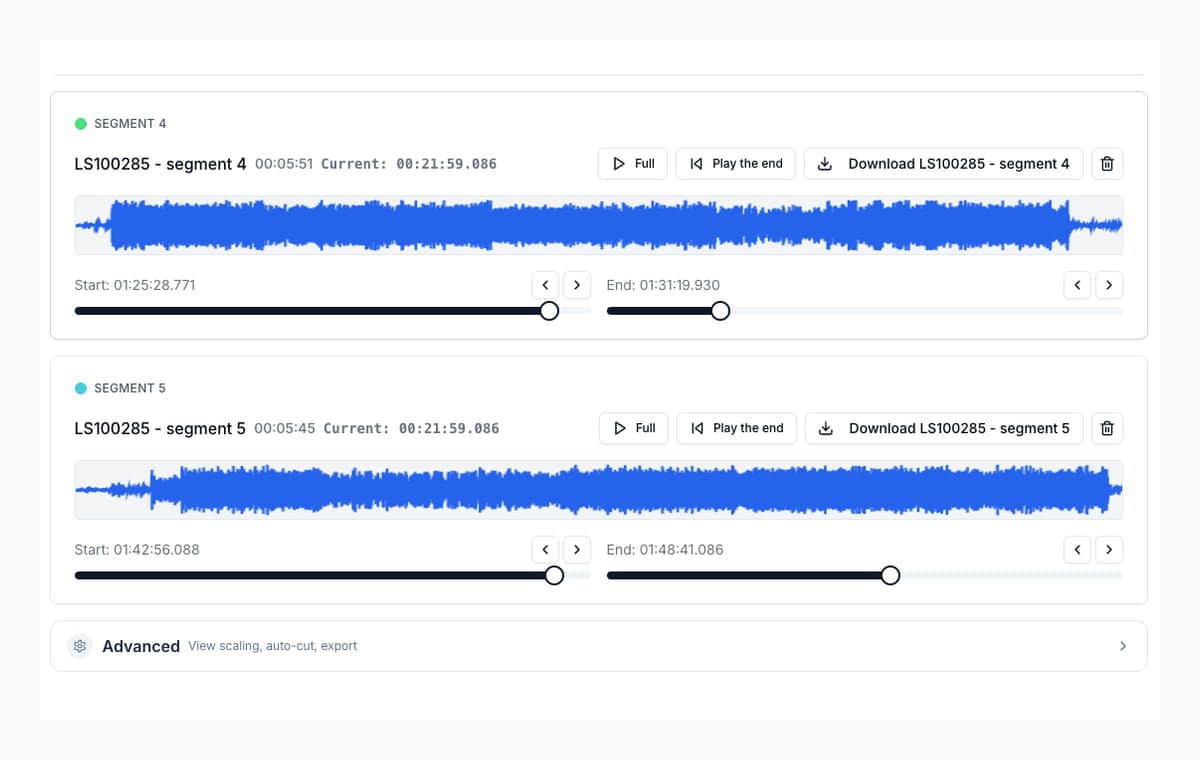
Inside AudioMultiCut, the MP3 stage runs in a Web Worker so the interface stays responsive. The work is still the same: convert the samples, feed the encoder frame by frame, collect the output, and package the finished file for download.
- Longer source files take longer than short ones.
- Ten short clips usually take longer than one short clip.
- Older phones and slower laptops take longer than newer hardware.
- WAV export is usually faster because it skips the MP3 compression stage.
When to keep M4A, when to use MP3, and when WAV is the better handoff
If the source came from Voice Memos, keep the original `.m4a` as the archive copy. It is the phone's native saved file and it avoids another unnecessary encode.
Use MP3 when the priority is small files and broad playback compatibility. Use WAV when the clip is going into another editor, a DAW, or any workflow that prefers straightforward PCM audio.
WAV does not recover detail that was already discarded in a compressed source. What it does do is stop the chain from taking another lossy step at export time.
FAQ
Is M4A better than MP3?
They serve different jobs. For an iPhone original, keep the M4A as the master. Use MP3 when you need smaller files and broad compatibility.
Why does MP3 export usually take longer than WAV export?
Because WAV can be written as PCM data, while MP3 needs a fresh lossy encode. The encoder still has to process and compress the audio.
Does converting an iPhone Voice Memo to MP3 improve the sound?
No. It only changes the delivery format. If the source is already compressed, another lossy export can only preserve or reduce fidelity; it cannot add detail back.
What exact microphone model is inside the iPhone?
Apple does not publish a consumer-facing part-level microphone spec for iPhone. The public picture is simpler: iPhone uses a built-in MEMS condenser mic array, and iOS can favor different microphones depending on the app and recording mode.
If Voice Memos already exports .m4a, why not just keep that?
In most cases, you should. Keep the original M4A as the archive copy. Export MP3 for delivery and WAV for editing handoff.
Sources
Technical details checked against Apple and MPEG documentation on April 21, 2026. File-format, routing, and export behavior claims are based on Apple and MPEG sources. The reference to MEMS condenser microphones reflects standard smartphone microphone architecture; Apple does not publish part-level iPhone microphone specifications in its consumer documentation.
- Apple Support: Make a recording in Voice Memos on iPhone
- Apple Support: Export a Voice Memos recording to Files on iPhone
- Apple Support: Change sound recording options on iPhone
- Apple Support: If the microphones on your iPhone aren't working
- Apple Developer: Technical Q&A QA1799, microphone selection
- Apple Developer: AVCaptureDevice.DeviceType.microphone
- Apple Developer: Encoding and decoding audio
- Apple Developer: Audio Converter Services
- Apple Developer: AVAudioConverter
- MPEG: MPEG-1 Audio Part 3
- MPEG: MPEG-4
More audio format guides
Turn one rehearsal file into useful song files without the usual cleanup pain
How to Split Band Rehearsal Recordings Into Individual Songs
A practical workflow for taking one long rehearsal recording and turning it into clean song files your band can actually review and share.
Chapter a lecture on your phone without turning it into a desktop project
How to Split Lecture Recordings Into Chapters on Your Phone
A phone-first workflow for turning one long lecture into topic-based chapters that are easier to review, study, and share.
Three common audio jobs, one browser tab
Everyday Audio Editing: Splitting Albums, Trimming Tracks, and Making Ringtones in One Tool
A practical walkthrough of three things most people eventually need to do with audio files — and how to handle all of them without installing anything.
Step-by-step guides
Start with the original M4A and export only when you actually need MP3
Upload the iPhone recording directly, make the cuts in the browser, and choose MP3 or WAV only for the final delivery format.